For most contractors, your Google Business Profile does more selling than your website. It's what appears in the map results when someone searches for your trade nearby, and it's often the first and only thing a homeowner looks at before calling. A complete, accurate, active profile gets more calls. A thin or neglected one gets skipped.
Here's how to set up every part of it properly, in order.
1. Claim and verify your profile
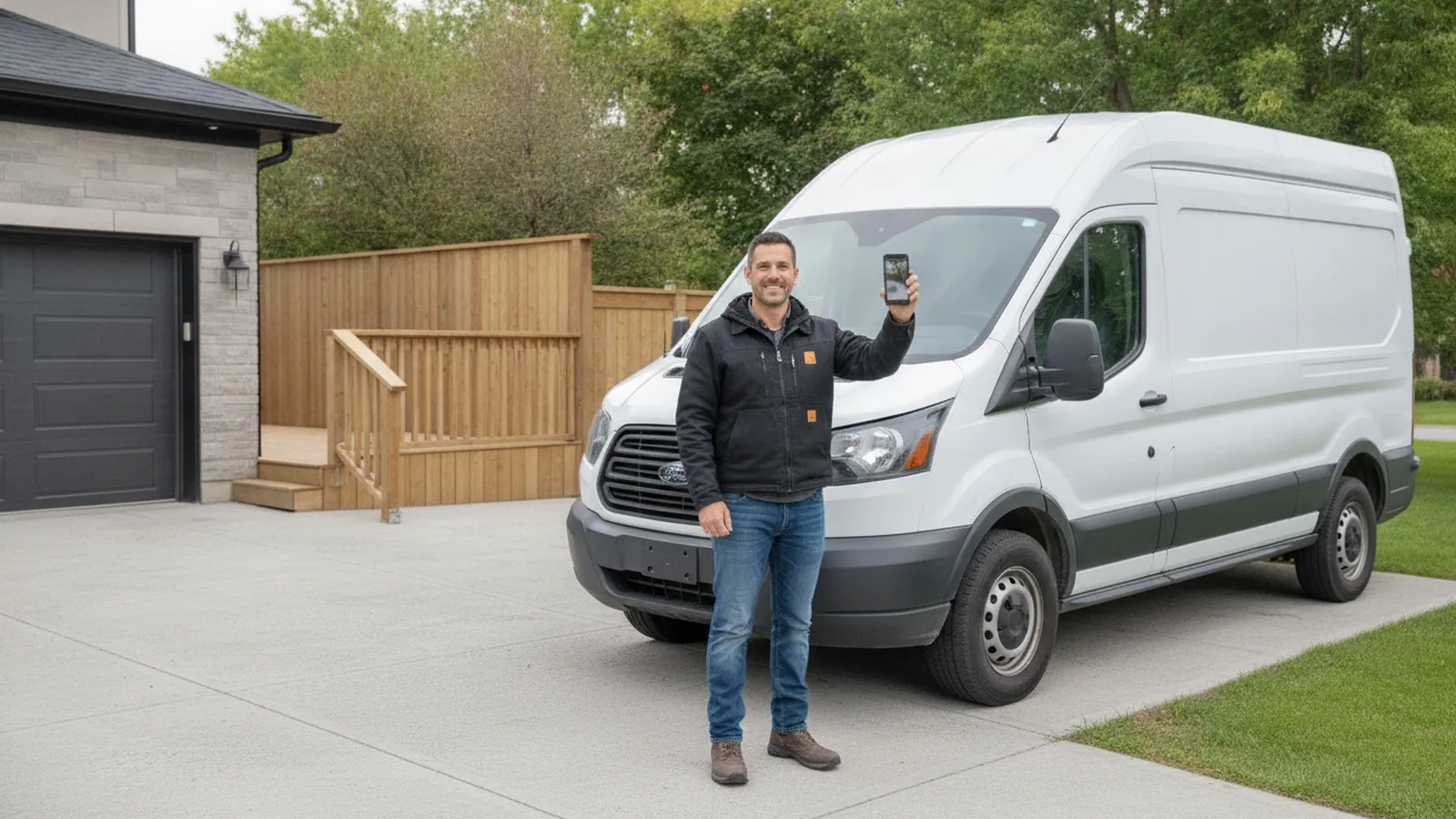
Search for your business on Google Maps. If a profile already exists, claim it. If not, create one at business.google.com. Google will then ask you to verify that you're the real owner. These days that's often a short video showing your business, such as your branded vehicle, tools, business documents and the area you work in. Follow the instructions exactly, because unverified profiles don't show up properly.
Use a business email you control as the owner, and add your office manager or marketing partner as a manager rather than handing over the owner login.
2. Use your real business name
Your profile name must match the name you use in the real world: on your truck, invoices and signage. Adding keywords, like 'Northline Plumbing | Emergency Plumber Vaughan', is against Google's guidelines and is one of the most common reasons profiles get suspended. It may give a short-term bump, but it's not worth the risk.
3. Choose the right categories
Your primary category is one of the strongest signals for which searches you appear in. Choose the most specific one that describes your core business, such as 'Plumber', 'HVAC contractor', 'Roofing contractor' or 'Electrician'. Then add secondary categories for other services you genuinely offer, like 'Water heater installation service' or 'Air conditioning repair service'. Don't add categories for work you don't do.
4. Set up your service area correctly
Most contractors are service-area businesses: you travel to customers. If customers don't come to your address, Google's guidelines say to hide it and list your service areas instead. You can add up to 20 service areas, such as cities or postal-code areas, and Google recommends keeping them within about two hours' driving distance of your base.
Never use a virtual office, a mailbox store or a relative's house as your address to appear in a city where you don't actually operate. It violates Google's guidelines and is a common cause of suspensions.
5. Add accurate hours, phone and website
List your regular hours and update them for holidays. If you offer emergency service, make it clear in your services and description, but only list 24-hour hours if someone actually answers.
Use your main business phone number, the same one on your website. Link to your homepage or your most relevant page. Adding tracking parameters to that link lets you see in your analytics exactly how many visits come from your profile.
6. List every service
Add each service you offer with a short, plain-language description. This helps you show up for specific searches, and homeowners read these lists to check that you do what they need. Be specific: 'Furnace repair', 'Furnace installation', 'Heat pump installation' and 'Duct cleaning' are better than one generic 'Heating services'.
7. Write a useful description
You have 750 characters to describe your business. Say what you do, where you work, what makes you different, and how long you've been doing it. Write it for homeowners, not for keywords, and don't include links or promotions.
8. Upload real photos regularly
Add your logo and a cover photo, then keep adding real photos: finished jobs, before-and-after shots, your team, your trucks. Photos of actual work build trust in a way stock images can't. Adding a few new ones every month also signals that your business is active.
9. Post updates
Google lets you publish short posts on your profile: seasonal tune-up reminders, recent projects, offers or helpful tips. They don't need to be elaborate. Posting regularly keeps your profile fresh and gives homeowners one more reason to choose you.
10. Earn and respond to reviews
Reviews are a major factor in both ranking and conversion. Ask every customer, right after the job, with a direct link to your review form. Reply to every review, positive or negative, politely and specifically. Our guide to Google reviews in the age of AI search covers the right way to ask and the rules to follow.
11. Turn on the right contact options
Google discontinued Business Profile chat in 2024, so customers can no longer message you directly through your listing. That makes the other routes more important: a clearly listed phone number backed by missed call text back, and a website with AI chat and online booking where it fits your business.
12. Keep it accurate
Anyone can suggest edits to a public profile, and Google sometimes applies them automatically. Log in regularly to check that your hours, phone number, categories and website are still correct, and review any changes Google suggests.
Mistakes that get profiles suspended
A suspended profile disappears from Maps, sometimes for weeks. Avoid these common causes:
- Stuffing keywords or city names into your business name.
- Using a virtual office, mailbox or fake address.
- Creating more than one profile for the same business.
- Buying reviews, reviewing yourself, or offering incentives for reviews.
- Listing services or locations you don't actually cover.
How to measure results
Your profile's performance report shows how many people called, requested directions, visited your website or found you through searches. Watch those numbers month to month, and connect them to the jobs you actually win.
The bottom line
Your Google Business Profile is free, and for many contractors it's the most valuable marketing asset they have. Set up every section properly, keep it accurate, keep adding photos and reviews, and stay well within Google's guidelines.
Google Business Profile optimization is included in our Growth and Authority plans. Not sure how yours stacks up? Request a free audit and we'll show you what to fix.