Many contractors built their website years ago, or had a nephew build it, and haven't really looked at it since. It's still online, so it must be fine. Meanwhile, homeowners are landing on it from their phones, getting confused, and calling someone else.
Not every older site needs to be thrown out. Sometimes new photos and clearer wording are enough. But some problems can't be patched. Here are seven signs it's time for a rebuild, and how to tell the difference.
1. It's hard to use on a phone
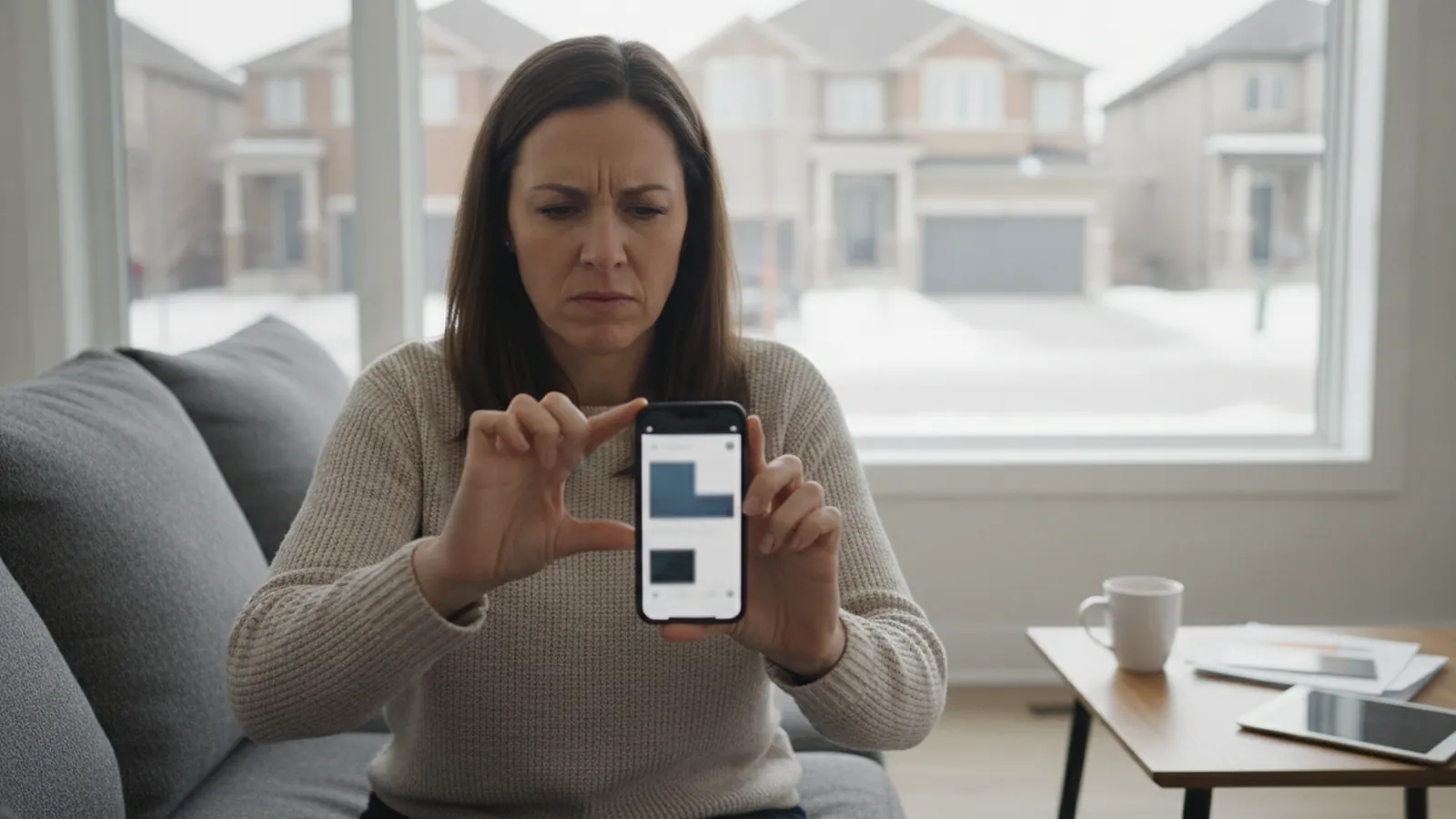
Pull up your website on your phone right now. Can you read the text without zooming? Can you tap the phone number to call? Do the menus work with your thumb? Does anything run off the edge of the screen?
Most homeowners find contractors on their phones, often from Google Maps. If your site was built for desktop screens and squeezed down to fit, you're losing people in the first few seconds. This is the most common reason contractor sites need rebuilding, and it's usually not fixable with small tweaks.
2. It's slow
If your site takes more than a few seconds to show anything useful on a phone, people leave. You can check it for free with Google's PageSpeed Insights. Google's Core Web Vitals suggest the main content should load within about 2.5 seconds. Old themes, bloated page builders, too many plugins and huge photos are the usual causes. Sometimes compressing images is enough. Often the whole foundation is the problem. More in how website speed costs you customers.
3. You can't update it yourself
If changing your phone number or adding a new service means emailing a developer who takes two weeks and sends an invoice, your site will always be out of date. The same goes for sites built on platforms nobody on your team understands anymore. You should be able to make basic changes, or have someone make them, quickly and cheaply.
4. It doesn't say what you do and where
Read your homepage as if you were a stranger. Within five seconds, would you know exactly what services you offer, which cities you serve, and how to get in touch? Vague slogans like 'Quality you can count on' don't tell a homeowner in Oakville that you install heat pumps. If the core message is unclear, a rebuild is a good chance to fix it from the ground up. See what makes a website turn visitors into booked jobs.
5. It doesn't bring in leads, or you can't tell
Ask yourself honestly: how many jobs came from your website last month? If the answer is 'none' or 'no idea', something is wrong. Either the site isn't converting, or it isn't set up to track calls and form submissions so you can see what's working. A modern site should make leads easy to count.
6. It looks out of date or the information is wrong
Old team photos, discontinued services, a Facebook link that goes nowhere, a copyright year from 2017, a blog that stopped years ago. Each one quietly tells homeowners the business might not be active or careful. If the content is mostly fine, this one can often be fixed with a refresh.
7. It isn't secure or it's invisible in search
If your browser shows 'Not secure' next to your address, the site isn't using HTTPS, and many visitors will leave. If your site doesn't show up when you search your own services and city, or if AI assistants never mention you, the problem may be technical: missing page titles, no structured data, pages that search engines can't read properly. See technical SEO basics.
Rebuild or refresh?
Here's a simple way to decide.
A refresh is usually enough when:
- The site already works well on phones and loads quickly.
- You can edit it easily.
- The problems are mostly content: old photos, unclear wording, missing services, no reviews.
A rebuild makes more sense when:
- The site doesn't work properly on phones.
- It's slow because of how it was built.
- You can't edit it, or it runs on outdated or unsupported software.
- The structure is wrong, such as one page for all services, with no good way to fix it.
Before you start: make sure you own it
This is the step many contractors skip, and it causes real headaches later. Before any rebuild, confirm that:
- Your domain is registered in your name, with a login you control, not your old developer's.
- You have access to your hosting, or at least know who has it.
- You own your content and photos, and have copies of them.
- You control your Google Business Profile, Analytics and Search Console, with your own email as an owner.
If your previous web person disappears, you want to be able to keep going without starting over. Any good web provider should hand these over without fuss.
What a good rebuild includes
A rebuild shouldn't just be a new coat of paint. Make sure the new site includes:
- A mobile-first design that's fast on real phones.
- Clear service pages and honest service area information.
- Click-to-call, a short form and ideally chat on every page.
- Real photos, reviews, licences and insurance details.
- Basic on-page SEO: page titles, descriptions, headings and structured data.
- Redirects from old page addresses, so you don't lose existing search rankings.
- Call and form tracking, so you can see what the site brings in.
Common questions
How long does a website rebuild take?
A focused contractor site can be built in one to two weeks once content and photos are ready. Larger custom sites with many pages or integrations take longer.
Will a new website hurt my Google rankings?
It can if old page addresses aren't redirected or valuable content is removed. With proper redirects and the same or better content, a faster, clearer site usually helps.
Can I keep my domain and email?
Yes. A rebuild changes the website, not your domain. Your email is usually handled separately and keeps working, as long as your domain's email settings aren't changed.
How often should a contractor rebuild their website?
There's no fixed schedule. Many sites last five years or more with regular updates. Rebuild when the site no longer works well on phones, can't be updated easily or stops bringing in leads.
The bottom line
Your website is often the first real impression a homeowner gets of your business. If it's hard to use on a phone, slow, vague or impossible to update, it's costing you jobs you never hear about.
Our contractor website design starts at $300 to $500 for a Basic Website, live in 7 to 10 days, with local SEO built in from day one, with larger custom builds quoted to fit. Not sure whether yours needs a rebuild or a refresh? Ask for a free review and we'll tell you honestly.